New!
Applicant Dublicate Finder Available
Streamline CV upload to BambooHR
A Chrome extension that lets recruiters add candidates to BambooHR in seconds — no manual copy-paste.



29k+ CVs added

Features
Explore the powerful features of Parserio easily


Multi-Company Support
Upload candidates across multiple BambooHR companies from a single extension.

Existing Candidate Detection
Parserio detects if a candidate already exists in your BambooHR and shows you their profile instantly.

Comment History Visibility
Instantly see whether previous comments exist on an existing candidate and read them before uploading.

Add Comments on Upload
Add notes during candidate upload and have them instantly saved as comments in BambooHR for your team to see.

Set Status on Upload
Select the candidate status during upload and place them directly into the right stage in BambooHR.

Vacancy Sync
Automatically pull open roles from BambooHR and select the right position during upload.

Source Sync
Automatically pull your sources from BambooHR and select them during upload — no manual setup needed.
Step-by-step
Parserio in Action: A Visual Workflow
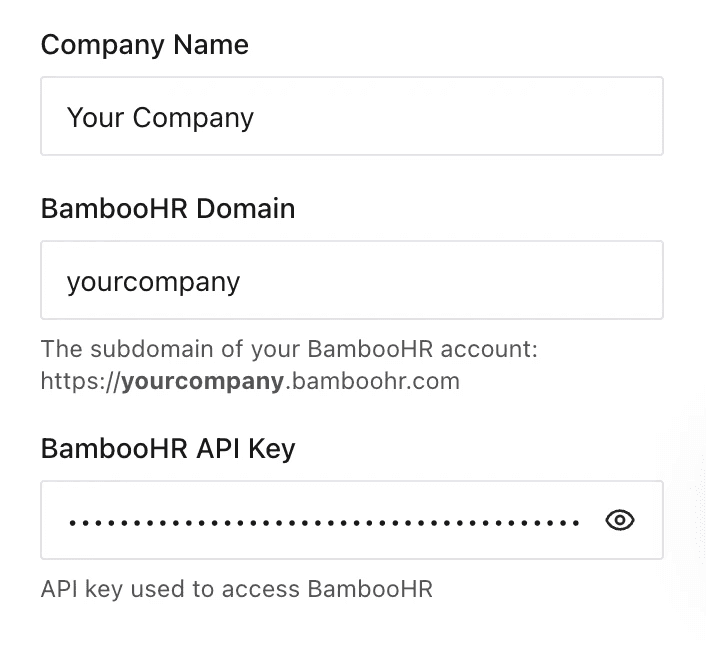
Add Company

Enter your company name
This name will appear in the dropdown when selecting which company to upload the candidate to.

Add your BambooHR domain
You can find it at the beginning of the link when you’re logged into BambooHR.

Paste your BambooHR API key
We never store your API key or have access to it. It’s securely saved only in your local browser storage.
Add Sources
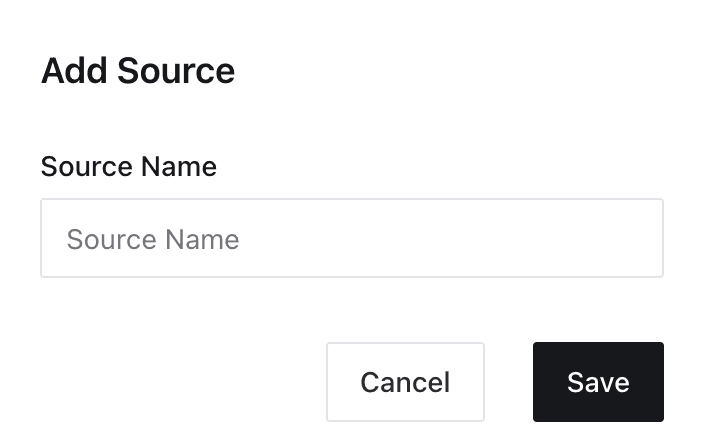
Add Your Sources
Set up a list of candidate sources — like LinkedIn, referrals, or job boards — so you can tag each upload automatically. The selected source will be included in the candidate profile in BambooHR. You can add as many as you want and choose from a dropdown during upload.
CV
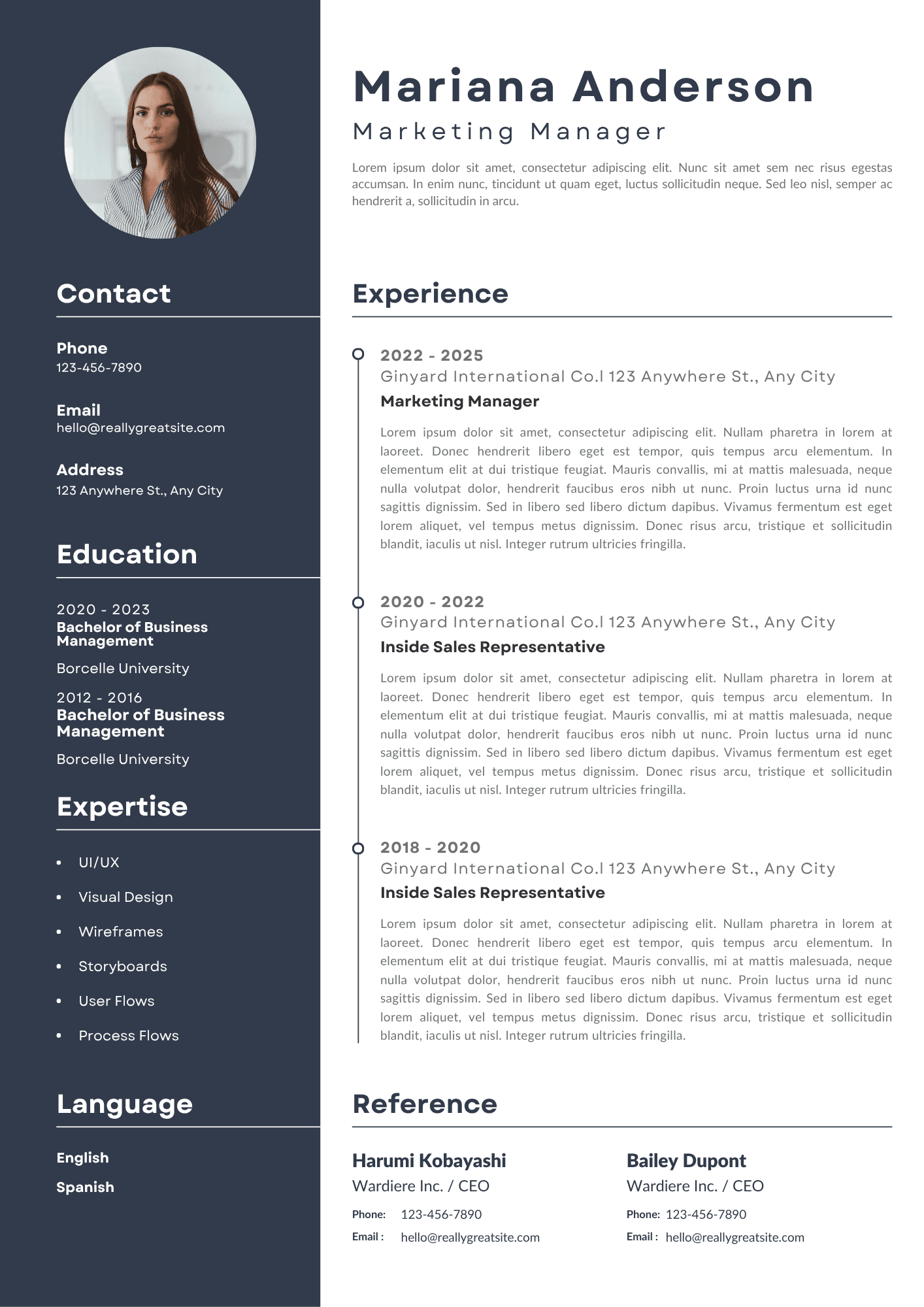
Open a CV in Your Browser
Once your setup is done, simply open a candidate’s CV (PDF format) in your browser tab. Parserio will instantly recognize the file and prepare it for upload — no downloads, no clutter.
Parsing
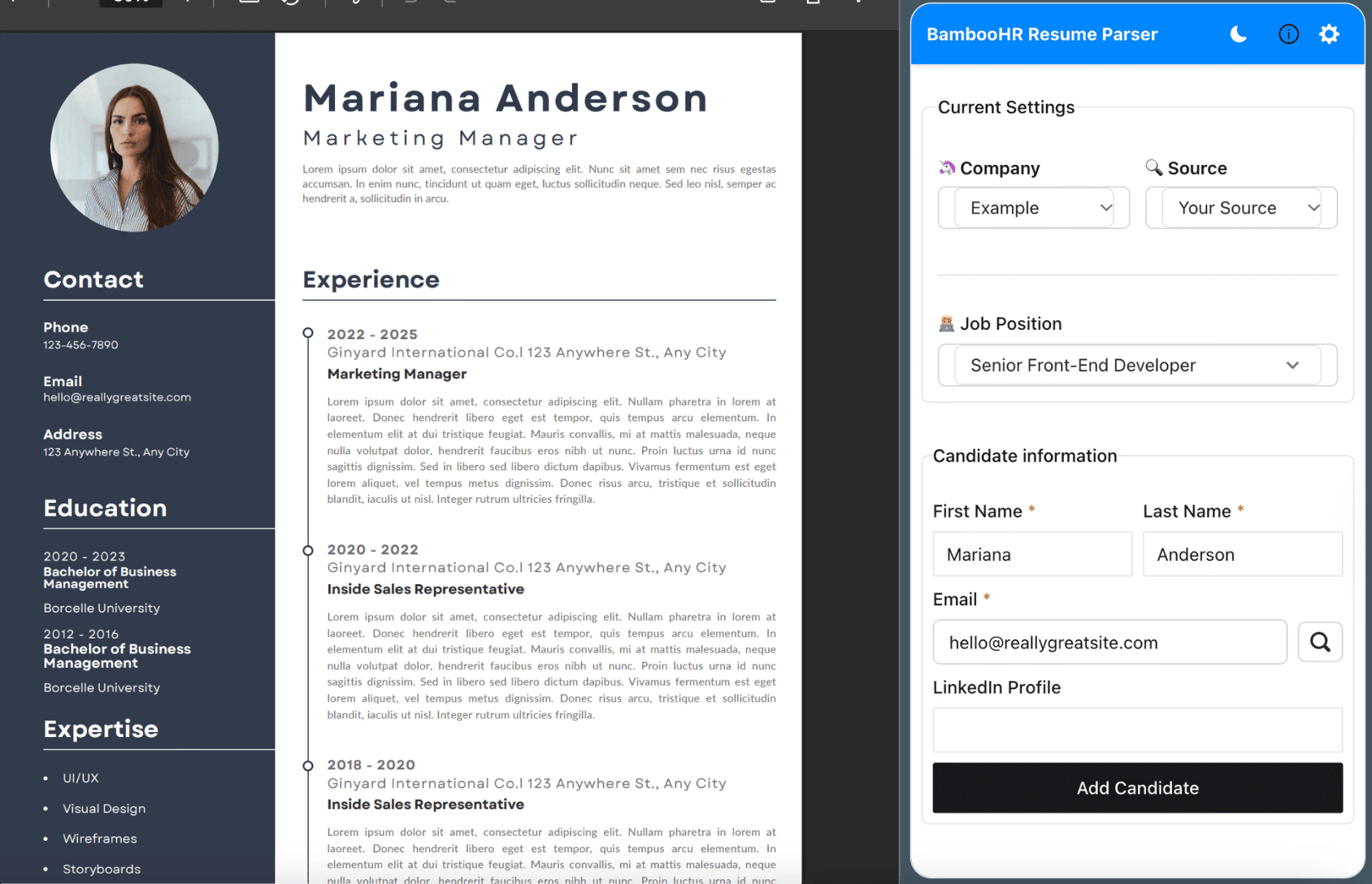
Parserio Automatically Parses the CV
When a CV is detected, Parserio will extract the candidate’s first name, last name, email, and LinkedIn profile (if available). We recommend double-checking the details before uploading — CVs come in all shapes and formats, so parsing might not be perfect every time. Once everything looks good, just click “Add Candidate.”
Congrats
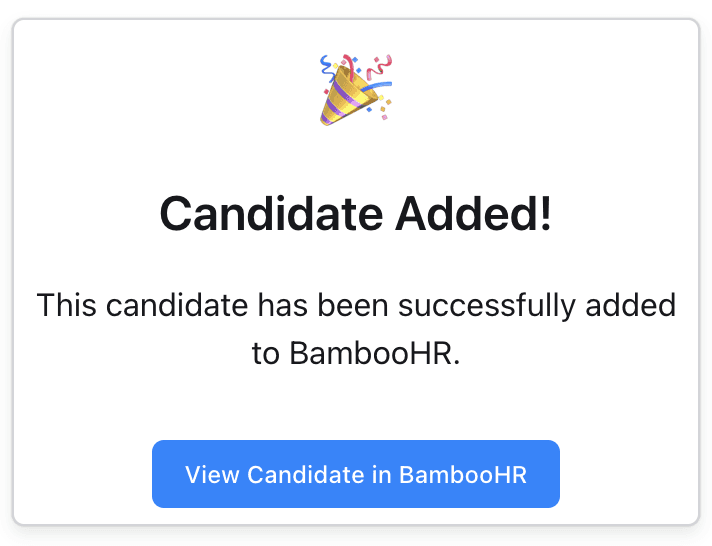
Candidate Added Successfully
The candidate is in BambooHR. No downloads. No back-and-forth. Just clean, one-click uploading. Want to double-check? Hit “View Candidate” and jump right to their profile.


Testimonial
Hear what our users say about Parserio
Global Users
Satisfied Customers
Productivity Boost
CVs added
Pricing & Plans
Affordable Pricing Plans
Flexible, transparent pricing to support your team’s productivity at every stage.


FAQ's
Everything you need to know about Parserio
What is Parserio?

Parserio is a Chrome extension that helps recruiters upload candidates and their CVs directly to BambooHR — no downloading, no manual copy-pasting.
How do I get my BambooHR API key?
Do you store my BambooHR API key or candidate data? Is Parserio GDPR-compliant?
Can I use Parserio with multiple companies?
Does it work with all CV formats?
Can I drag and drop a CV into Parserio?
Can I add candidates from LinkedIn?
Can I use Parserio with CVs sent via email?
Is there a free trial?
What happens when I reach the limits of the free plan?
Can I cancel anytime?
It’s not parsing the CV correctly — what should I do?
The extension isn’t working — where do I report a bug?
I have a feature suggestion — where can I share it?