New!
Sourcing: keyword highlighting & search
Find, parse and add candidates to your ATS
Highlight the skills your vacancy needs on any page, then add the candidate to BambooHR, Workable or a Google Sheet in seconds — no copy-paste.



29k+ CVs added

Sourcing
Spot the right candidates for your vacancy
Add the keywords your role needs, and Parserio highlights them on job boards and candidate profiles, so a good match stands out at a glance.
Group Keywords Your Way
Must-haves, nice-to-haves, red flags — give each group its own colour and style: solid, soft or underline.
Jump Between Matches
Parserio highlights your keywords on job boards and candidate profiles. Jump from match to match right from the side panel.
Nothing Slips Through
Word forms count too — developer also finds developers — and hidden “see more” sections are opened and checked.
Parsing & Integrations
From CV to your ATS in seconds
One-Click Upload
Add candidates and their CVs to your ATS directly from your browser — no downloading, no copy-pasting.
Smart Parsing
Parserio pulls name, email, phone and LinkedIn or GitHub links from the CV and formats them properly — even if it’s in all caps or laid out in two columns.
Multiple ATS & Accounts
Connect BambooHR or Workable — as many accounts as you need — and switch between them in one click.
No ATS? Use Google Sheets
Send candidates to a spreadsheet Parserio creates for you — one tab per vacancy, nothing else in your Drive is touched.
Your Hiring Stats
See how many CVs you scanned and uploaded over the last 7 or 30 days, and how much time Parserio saved you.
ATS Sync
Stay in sync with your ATS
Duplicate check, comment history, statuses and sources work with BambooHR.
Existing Candidate Detection
Parserio detects if a candidate already exists in your BambooHR and shows you their profile instantly.
Comment History Visibility
Instantly see whether previous comments exist on an existing candidate and read them before uploading.
Add Comments on Upload
Add notes during candidate upload and have them instantly saved as comments in BambooHR for your team to see.
Set Status on Upload
Select the candidate status during upload and place them directly into the right stage in BambooHR.
Vacancy Sync
Automatically pull open roles from BambooHR or Workable and select the right position during upload.
Source Sync
Automatically pull your sources from BambooHR and select them during upload — no manual setup needed.
Step-by-step
Parserio in Action: A Visual Workflow
Add Company

Enter your company name
This name will appear in the dropdown when selecting which company to upload the candidate to.

Add your BambooHR domain
You can find it at the beginning of the link when you’re logged into BambooHR.

Paste your BambooHR API key
We never store your API key or have access to it. It’s securely saved only in your local browser storage.


Add Sources
Add Your Sources
Set up a list of candidate sources — like LinkedIn, referrals, or job boards — so you can tag each upload automatically. The selected source will be included in the candidate profile in BambooHR. You can add as many as you want and choose from a dropdown during upload.
CV
Open a CV in Your Browser
Once your setup is done, simply open a candidate’s CV (PDF format) in your browser tab. Parserio will instantly recognize the file and prepare it for upload — no downloads, no clutter.


Parsing
Parserio Automatically Parses the CV
When a CV is detected, Parserio will extract the candidate’s first name, last name, email, and LinkedIn profile (if available). We recommend double-checking the details before uploading — CVs come in all shapes and formats, so parsing might not be perfect every time. Once everything looks good, just click “Add Candidate.”
Congrats
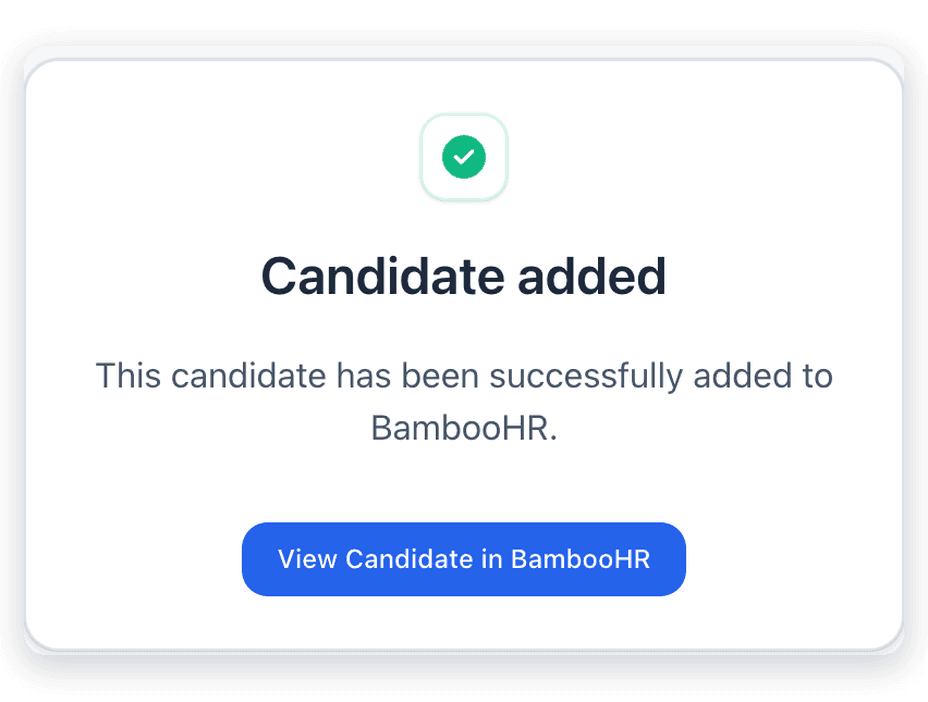
Candidate Added Successfully
The candidate is in BambooHR. No downloads. No back-and-forth. Just clean, one-click uploading. Want to double-check? Hit “View Candidate” and jump right to their profile.


Testimonial
Hear what our users say about Parserio
Global Users
Satisfied Customers
Productivity Boost
CVs added
Pricing & Plans
Affordable Pricing Plans
Flexible, transparent pricing to support your team’s productivity at every stage.


FAQ's
Everything you need to know about Parserio
Getting started
What is Parserio?

Which ATS does Parserio work with?
Do I need an ATS to use Parserio?
Parsing & Upload
Does it work with all CV formats?
It’s not parsing the CV correctly — what should I do?
Can I drag and drop a CV into Parserio?
Can I use Parserio with CVs sent via email?
Can I add candidates from LinkedIn?
Integrations
How do I get my BambooHR API key?
How do I connect Workable?
Can I connect several accounts?
Sourcing
Where does keyword highlighting work?
Can I highlight several sets of keywords at once?
Plans & Privacy
Is there a free trial?
What happens when I reach the limits of the free plan?
Can I cancel anytime?
Do you store my API keys or candidate data? Is Parserio GDPR-compliant?
Support
The extension isn’t working — where do I report a bug?
I have a feature suggestion — where can I share it?